Run the door on several screens
Phones, tablets and laptops can check guests in together, with the same live counts on every screen.
For a busy door, open the door screen on as many phones, tablets or laptops as you like. Every screen checks in from the same guest list, and the counts at the top update on all of them as guests arrive.
Setting up each screen
- Give each person on the door the Door check-in role on the event (or Manager, which includes it).
- Each of them signs in on their own device with their email address and a six-digit code. Door volunteers land straight on the door screen.
- For a tablet shared between volunteers, each one signs in on it once, and then they swap with Switch volunteer and their own PIN.
What stays in step
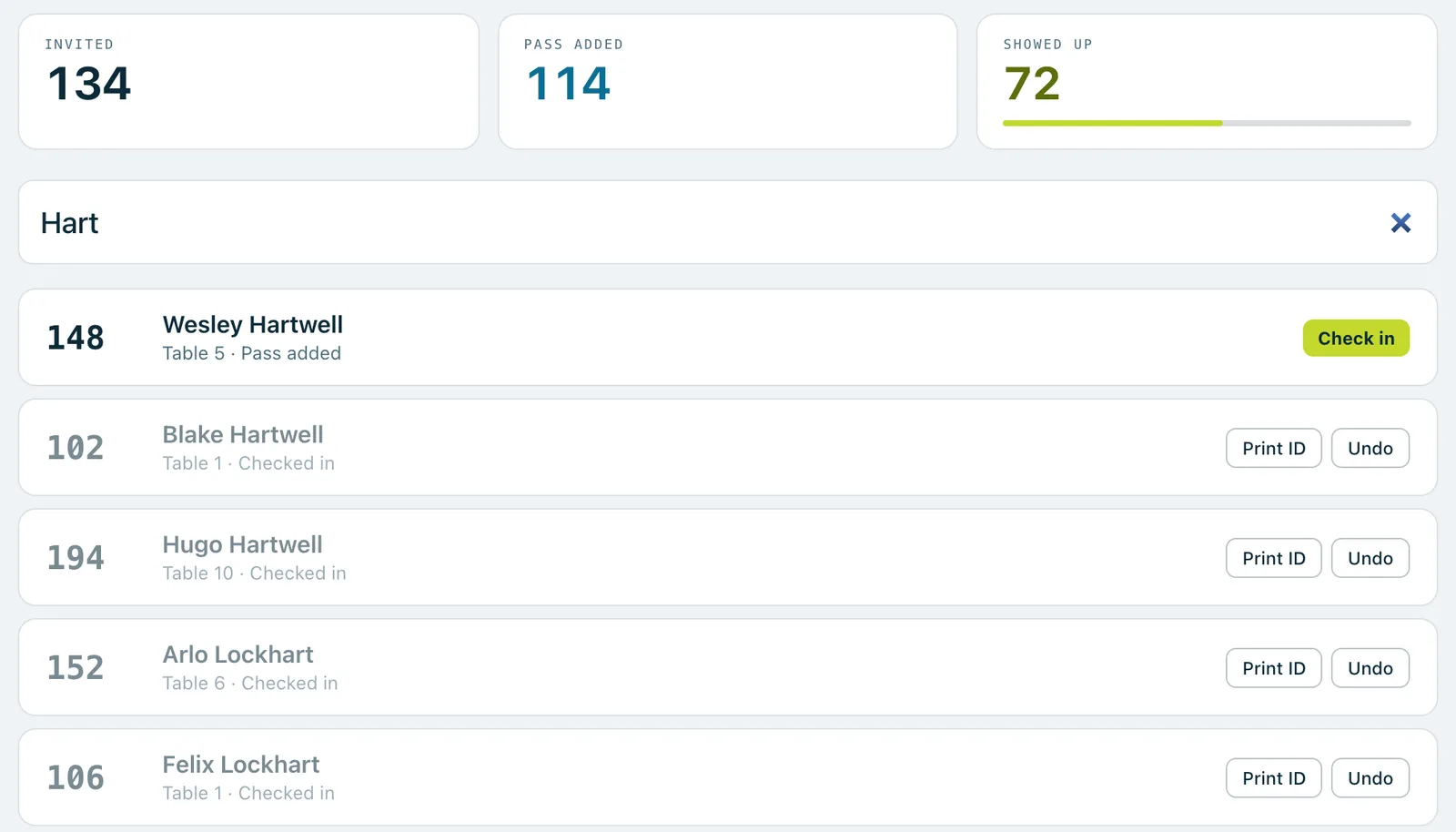
- The counts. Invited, Pass added and Showed up update on every screen as guests are checked in, with a bar showing how far along you are.
- Bidder numbers. Two screens can never give out the same number, at check-in or to walk-ups.
- The same guest on two screens. If two volunteers reach the same guest, the first checks them in and the second is told they're already checked in.
- Who did it. Every check-in is saved under the name of whoever is signed in on that screen.
Good to know
If you print name stickers, each laptop that prints needs its own label printer set up.
Door volunteers who don't manage the event see a Guest list button at the top of the door screen, to look a guest up on the full list.
Each volunteer's Undo takes back only their own check-ins.
Real screenshots of Paddlit, taken with a made-up organisation, Maple & Main Children's Fund.
Thanks for telling us.
Sorry it didn't. Sign in and get help, or ask without signing in.